Submission statuses
Each student in the results list has a status. It tells you whether they have been marked and whether anything needs your attention.
The statuses
| Status | Meaning | What to do |
|---|---|---|
| Unmarked | Not marked yet, and no run is going | Mark them when ready |
| Queued | Waiting in the current run | Nothing. They will be reached in turn |
| Marking | Being marked now | Wait. The row shows a spinner |
| Marked | Marked, with nothing flagged | Review the marks |
| Review | Marked, but at least one criterion is flagged | Open the student and resolve the flags |
| Failed | Marking did not complete | Try again (see below) |
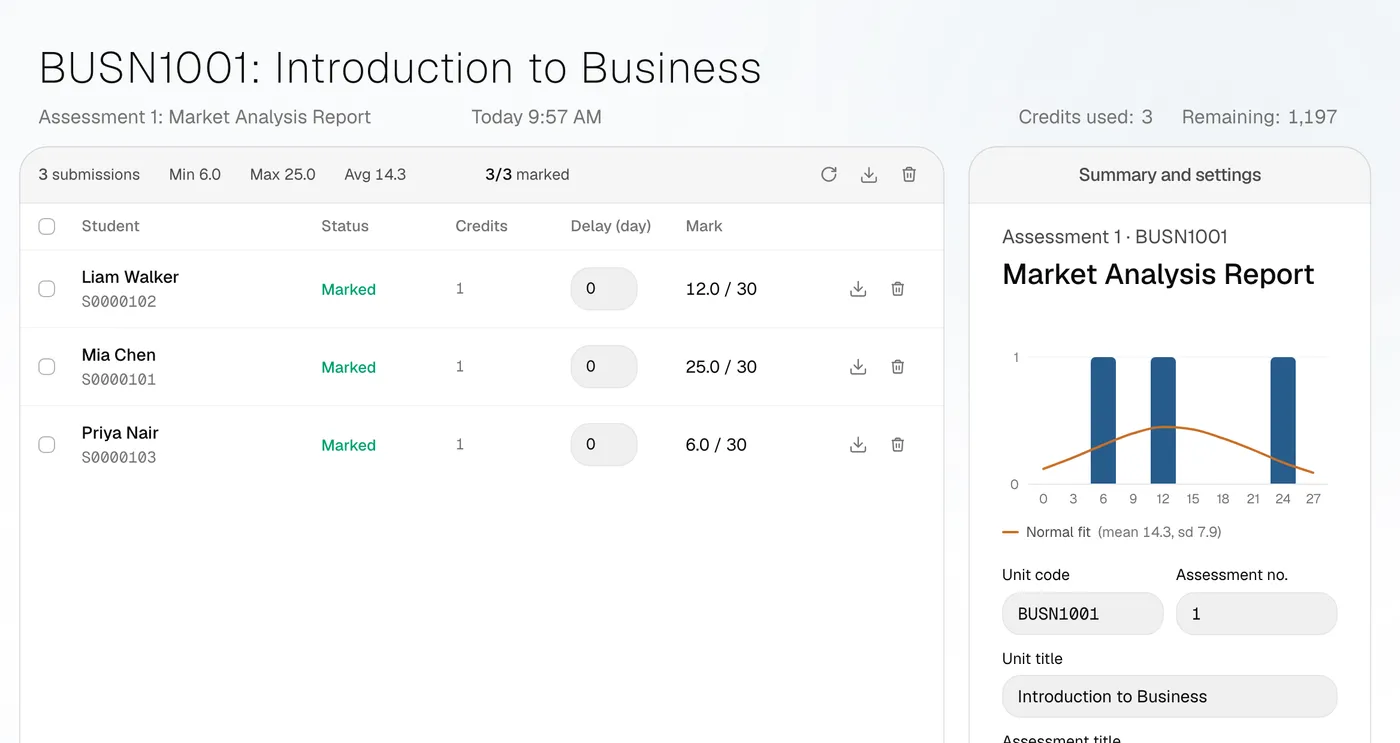
When you open a student, their result card shows the same outcome as a tab beside their name: Marking complete, Needs review or Failed.
Why a criterion is flagged
The marker flags a criterion when it cannot judge it with confidence. Common reasons:
- The evidence is in a file it cannot open, such as a video.
- The work is empty or unreadable.
- Strictness is set to Flag & review, which flags any criterion without strong evidence either way.
You can also tag a criterion for review yourself. See Review and change marks.
When a submission fails
Failures usually come from the AI service being unavailable for a moment, or returning a response DeepMarking could not use. A failed submission is not charged. The project card shows how many failed, for example "2 failed".
To try again, tick the failed rows and press Mark 2 selected. See Re-mark and retry.
When all students are marked
The main button becomes Mark again and stays grey until you tick students or change a setting. This stops you re-marking the whole class by accident.